


Page 74 - C-Language
P. 74
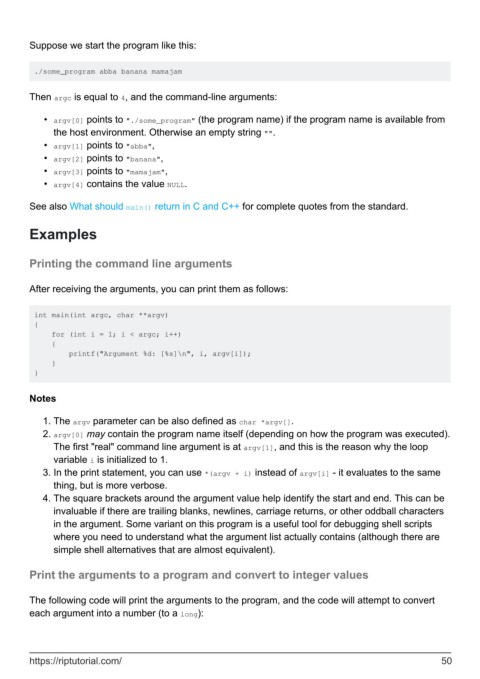
Suppose we start the program like this:


         ./some_program abba banana mamajam


        Then argc is equal to 4, and the command-line arguments:


            •  argv[0] points to "./some_program" (the program name) if the program name is available from
              the host environment. Otherwise an empty string "".
            •  argv[1] points to "abba",
            •  argv[2] points to "banana",
            •  argv[3] points to "mamajam",
            •  argv[4] contains the value NULL.

        See also What should main() return in C and C++ for complete quotes from the standard.


        Examples


        Printing the command line arguments


        After receiving the arguments, you can print them as follows:


         int main(int argc, char **argv)
         {
             for (int i = 1; i < argc; i++)
             {
                 printf("Argument %d: [%s]\n", i, argv[i]);
             }
         }


        Notes


            1.  The argv parameter can be also defined as char *argv[].
            2.  argv[0] may contain the program name itself (depending on how the program was executed).
              The first "real" command line argument is at argv[1], and this is the reason why the loop
              variable i is initialized to 1.
            3.  In the print statement, you can use *(argv + i) instead of argv[i] - it evaluates to the same
              thing, but is more verbose.
            4.  The square brackets around the argument value help identify the start and end. This can be
              invaluable if there are trailing blanks, newlines, carriage returns, or other oddball characters
              in the argument. Some variant on this program is a useful tool for debugging shell scripts
              where you need to understand what the argument list actually contains (although there are
              simple shell alternatives that are almost equivalent).

        Print the arguments to a program and convert to integer values


        The following code will print the arguments to the program, and the code will attempt to convert
        each argument into a number (to a long):


        https://riptutorial.com/                                                                               50

