


Page 160 - C-Language
P. 160
/* Close file */
             if (fclose(file))
             {
                 perror(path);
                 return EXIT_FAILURE;
             }
             return e;
         }


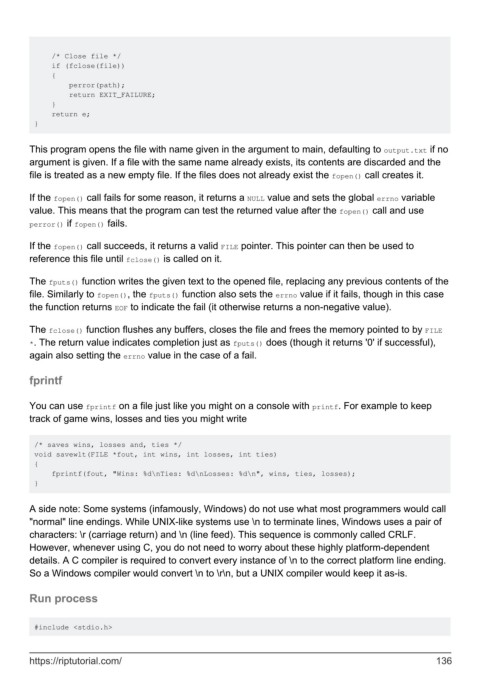
        This program opens the file with name given in the argument to main, defaulting to output.txt if no
        argument is given. If a file with the same name already exists, its contents are discarded and the
        file is treated as a new empty file. If the files does not already exist the fopen() call creates it.


        If the fopen() call fails for some reason, it returns a NULL value and sets the global errno variable
        value. This means that the program can test the returned value after the fopen() call and use
        perror() if fopen() fails.


        If the fopen() call succeeds, it returns a valid FILE pointer. This pointer can then be used to
        reference this file until fclose() is called on it.

        The fputs() function writes the given text to the opened file, replacing any previous contents of the
        file. Similarly to fopen(), the fputs() function also sets the errno value if it fails, though in this case
        the function returns EOF to indicate the fail (it otherwise returns a non-negative value).


        The fclose() function flushes any buffers, closes the file and frees the memory pointed to by FILE
        *. The return value indicates completion just as fputs() does (though it returns '0' if successful),
        again also setting the errno value in the case of a fail.


        fprintf


        You can use fprintf on a file just like you might on a console with printf. For example to keep
        track of game wins, losses and ties you might write


         /* saves wins, losses and, ties */
         void savewlt(FILE *fout, int wins, int losses, int ties)
         {
             fprintf(fout, "Wins: %d\nTies: %d\nLosses: %d\n", wins, ties, losses);
         }


        A side note: Some systems (infamously, Windows) do not use what most programmers would call
        "normal" line endings. While UNIX-like systems use \n to terminate lines, Windows uses a pair of
        characters: \r (carriage return) and \n (line feed). This sequence is commonly called CRLF.
        However, whenever using C, you do not need to worry about these highly platform-dependent
        details. A C compiler is required to convert every instance of \n to the correct platform line ending.
        So a Windows compiler would convert \n to \r\n, but a UNIX compiler would keep it as-is.


        Run process


         #include <stdio.h>


        https://riptutorial.com/                                                                             136

